SOURCE-TRACEABLE QUOTING
How to Cite an Instagram Reel Transcript
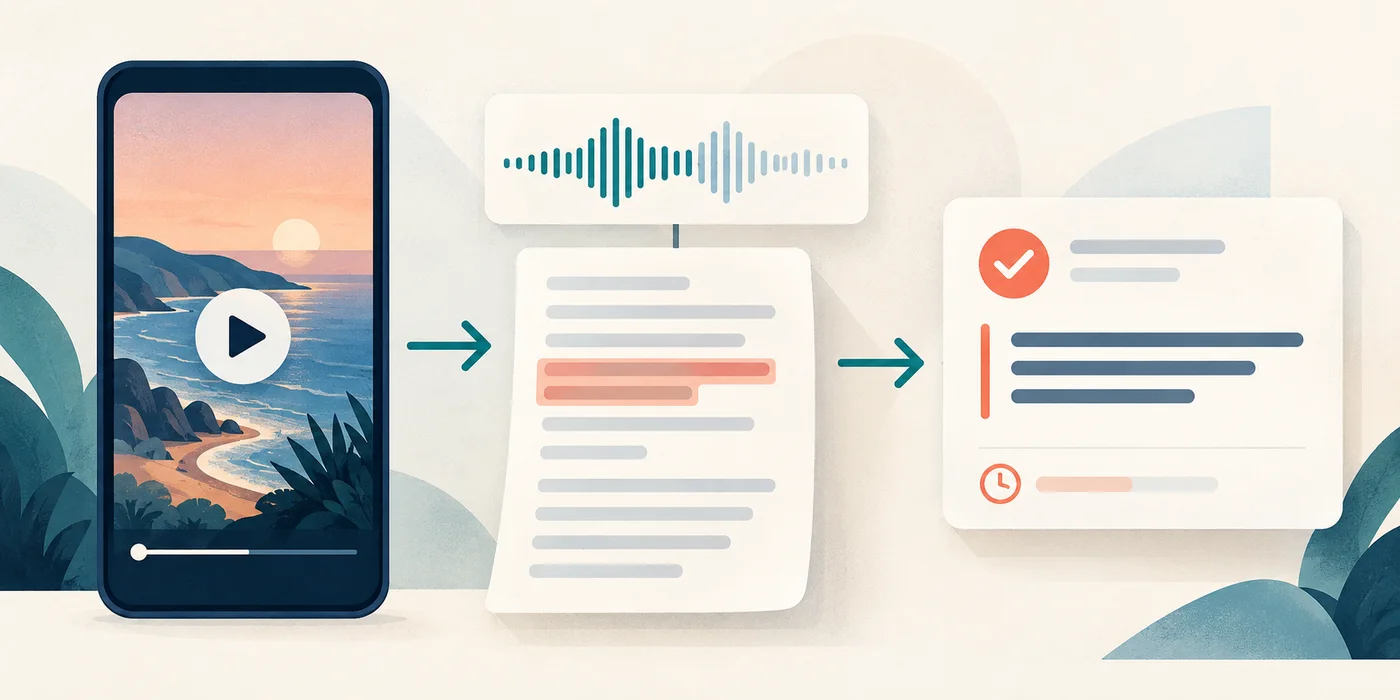
Save the Reel URL and visible source details, transcribe the spoken passage, replay every quoted word, and attach a reviewed time marker. Build the final citation from the original Reel, not from the transcript tool page, and keep the corrected transcript as your working evidence.
- 1
Capture the source record before the Reel changes.
- 2
Verify the quote and its start time against the audio.
- 3
Format the citation for your required style and audit the route back.
CURRENT TOOL BOUNDARY
The transcript helps you review speech; the Reel remains the source
The current Instagram Reels transcript tool accepts one public Reel link or one uploaded media file at a time. It returns copy-ready text, a TXT download, and WebVTT when timing data is available. It does not create a formal citation or verify account details, publication dates, authorship, or later edits to the Reel.
Treat the generated text as a review aid. Your citation record should point to the original Reel and preserve enough checked detail for another reader to find the quoted moment.
CAPTURE FIRST
Create a source record before drafting the citation
| Record field | What to capture | Why it belongs |
|---|---|---|
| Reel URL | The complete public URL you opened | It is the direct route to the source. |
| Account identity | The visible account name and username, copied separately | A display name can change or resemble another account. |
| Visible Reel text | The title or opening caption text needed to distinguish the item | It helps a reviewer confirm that the link and citation describe the same Reel. |
| Displayed publication date | The date exactly as shown, when available | Do not invent a date from an unrelated page or download timestamp. |
| Access date | The local date on which you viewed the source | It records when your source check occurred. |
| Quoted passage | Only the wording you replayed and approved | Generated text can be plausible without being exact. |
| Reviewed time marker | The point where the quoted speech begins | It gives the reviewer a practical route back to the moment. |
| Review state | Verified, uncertain, paraphrased, or omitted | It prevents unresolved words from entering a direct quote. |
STEP BY STEP
Build a citation packet from the source outward
1. Open the exact Reel and preserve its direct URL
Confirm that the page is the individual Reel rather than a profile, feed, copied caption, or search result. Record the complete URL before you start transcribing.
2. Copy the visible identity fields without merging them
Keep the account display name, username, visible Reel text, and displayed date in separate fields. If a field is absent or unclear, mark it not visible instead of supplying it from memory.
3. Generate and save the working transcript
Submit the public Reel link, or upload media you are allowed to process. Save the plain text as a working record. If timing data is available, keep the VTT file beside it rather than removing the cue times too early.
4. Isolate the passage you plan to use
Copy only the sentence or short passage needed for your claim. Preserve nearby words in a private context note so the quotation is not separated from a qualification, denial, attribution, or change of speaker.
5. Replay the passage and correct it word by word
Check names, negations, quantities, technical terms, and the first and last words of the selection. Follow the Reel transcript accuracy workflow. If a word stays uncertain, shorten the quote, paraphrase transparently, or leave it out.
6. Confirm the time route
Use the reviewed start time for the exact passage, not the time attached to a nearby transcript block. The timestamp review guide explains how to reconcile timed text with the playback moment.
7. Format the citation from the captured fields
Arrange the account identity, Reel description, platform, displayed date, direct URL, access date, and time marker according to the style required by your editor, instructor, publication, or organization. Do not guess a missing field merely to make the entry look complete.
8. Test the handoff
Open the saved URL in a fresh browser view, locate the recorded moment, and compare the final quote with the approved transcript line. A polished citation is not ready if its source route or wording fails this check.
ORIGINAL CITATION PACKET
Keep evidence, interpretation, and formatting in separate fields
| Packet layer | Contents | Release rule |
|---|---|---|
| Source layer | Direct URL, visible account identity, visible Reel text, displayed date, access date | Every value must come from the source view or be marked unavailable. |
| Transcript layer | Raw generated text, corrected passage, context note, timing file when available | Keep raw and corrected wording distinguishable. |
| Verification layer | Reviewed time marker, uncertain-word note, speaker check, reviewer state | No direct quote leaves this layer with an unresolved word. |
| Use layer | Direct quote or faithful paraphrase, the claim it supports, the final citation entry | The wording must not make the source say more than the reviewed passage. |
| Handoff layer | Style requirement, link check, final proof, storage location | A recipient must be able to retrace the evidence without guessing. |
ORIGINAL FICTIONAL EXAMPLE
Turn one practice passage into a traceable quote record
The practice identity, passage, URL, and dates below were written for this guide. They do not describe a real account, Reel, publication, or transcription run.
Source record

Account display name: Practice Workshop
Username: practiceworkshop
Visible Reel text: Organizing a two-pass review
Displayed date: fictional date for practice only
Direct URL: fictional source route for practice only
Access date: fictional access date for practice only

Generated passage

Do a quick pass for the structure, then go back and check every label before you share it.

Audio review

Approved quote: Do a quick pass for the structure, then go back and check every label before you share it.
Reviewed start marker: recorded from the practice playback
Context note: The speaker is describing a review sequence, not promising a result.
Review state: verified within this fictional exercise

Citation handoff

Source type: Instagram Reel
Identity fields: copy from the source record
Description field: use the visible Reel text
Date field: use the displayed date or follow the required rule for a missing date
Location field: use the direct Reel URL
Locator: use the reviewed start marker
Final format: apply the recipient's required citation style
The packet keeps the source description and the spoken quote separate. It also prevents the context note from being presented as something the fictional speaker said.
QUOTE OR PARAPHRASE
Choose the form the evidence can support
| Review result | Best treatment | What to preserve |
|---|---|---|
| Every word and speaker are clear. | Use a direct quote if the exact wording matters. | Exact wording, attribution, context, and reviewed time marker |
| The idea is clear but one nonessential word is uncertain. | Paraphrase the checked meaning or choose a shorter clear quote. | Uncertainty note and source route |
| A name, number, negation, or technical term is uncertain. | Do not release the quote until that element is verified or removed. | The unresolved state |
| The transcript compresses two speakers into one block. | Separate speakers through replay before attribution. | Speaker boundaries and timing |
| The passage depends on visible text that is not spoken. | Describe the visual element separately. | A clear label distinguishing speech from visual observation |
| The Reel is no longer available during final review. | Follow the recipient's policy for unavailable sources and disclose the access problem. | Your saved source record, access date, and review notes |
TRACE DIAGNOSTIC
Repair the first broken link in the evidence chain
| What you notice | Why the record fails | Repair |
|---|---|---|
| The citation opens an account page, not the Reel. | The location is too broad. | Replace it with the exact Reel URL and test it again. |
| The quote cannot be found at the recorded time. | The marker came from an unreviewed cue or nearby block. | Replay the source and record the actual start of the approved wording. |
| The account name in the citation differs from the source record. | Display name and username were merged or retyped from memory. | Copy each visible identity field separately and follow the required style. |
| The final quote is smoother than the audio. | Editing changed the speaker's words without disclosure. | Restore the verified wording, shorten the selection, or use a transparent paraphrase. |
| The quote loses a nearby condition or denial. | The selected passage is too narrow. | Expand the context note and revise the quotation or surrounding sentence. |
| A caption line is cited as spoken audio. | Visual text and speech were combined. | Label the visual observation separately and quote only verified speech. |
| The citation points to ReelTranscripts.com. | The transcription aid was mistaken for the original source. | Point the citation to the original Reel and retain the transcript privately as working evidence. |
| The displayed date was not visible. | A missing field was replaced with an assumption. | Remove the invented value and apply the recipient's rule for missing dates. |
BEFORE YOU SUBMIT
Run the source-to-quote audit
- The saved URL opens the exact Reel rather than a profile or feed.
- Display name and username remain separate in the source record.
- The visible Reel text and displayed date were copied only when present.
- The access date reflects the day the source was actually viewed.
- The quote was replayed against the original audio.
- Names, negations, quantities, and technical terms are resolved.
- The selected wording preserves the speaker's meaning and nearby conditions.
- The reviewed time marker reaches the beginning of the approved passage.
- Visual-only text is not represented as spoken audio.
- The final citation points to the original Reel.
- The entry follows the style required by the recipient.
- You have permission to process and reuse the material as intended.
CLEAR ANSWERS
Instagram Reel transcript citation FAQ
Should I cite the Reel or the transcript generator?
Cite the original Reel when it is the source you watched and quoted. Keep the generated and corrected transcripts as working evidence for your review.
Can I quote the generated transcript without replaying the Reel?
No. Replay the intended passage and approve every quoted word first. Speech recognition can produce wording that looks convincing but does not match the audio.
What if the Reel has no visible publication date?
Record that the date was not visible and follow the rule required by your citation style or recipient. Do not infer a publication date from your downloaded file or access date.
Do I need a timestamp?
A reviewed time marker gives readers a practical route to the quoted moment. Include it when your required style or workflow calls for a locator, and always keep it in your private evidence record.
What if the quote includes words shown on screen but not spoken?
Do not insert visual-only words into a speech quotation. Describe the on-screen text separately and make the distinction clear.